Find your people.
Groups and contacts, side by side. Less searching, more connecting.
 GContact LiteContacts, thoughtfully organized
Colleagues, family, friends. Bring a little order to your contacts with colorful groups, thoughtful details, and easier ways to stay in touch.


The Android edition is being prepared for republication. Check Google Play for its current availability.
Explore the app↓Groups and contacts, side by side. Less searching, more connecting.
Choose email and message recipients straight from your groups.
Colors, icons, and themes that make your address book feel familiar.
Organize, find, and connect. Six simple ways to make your contacts work better for you.
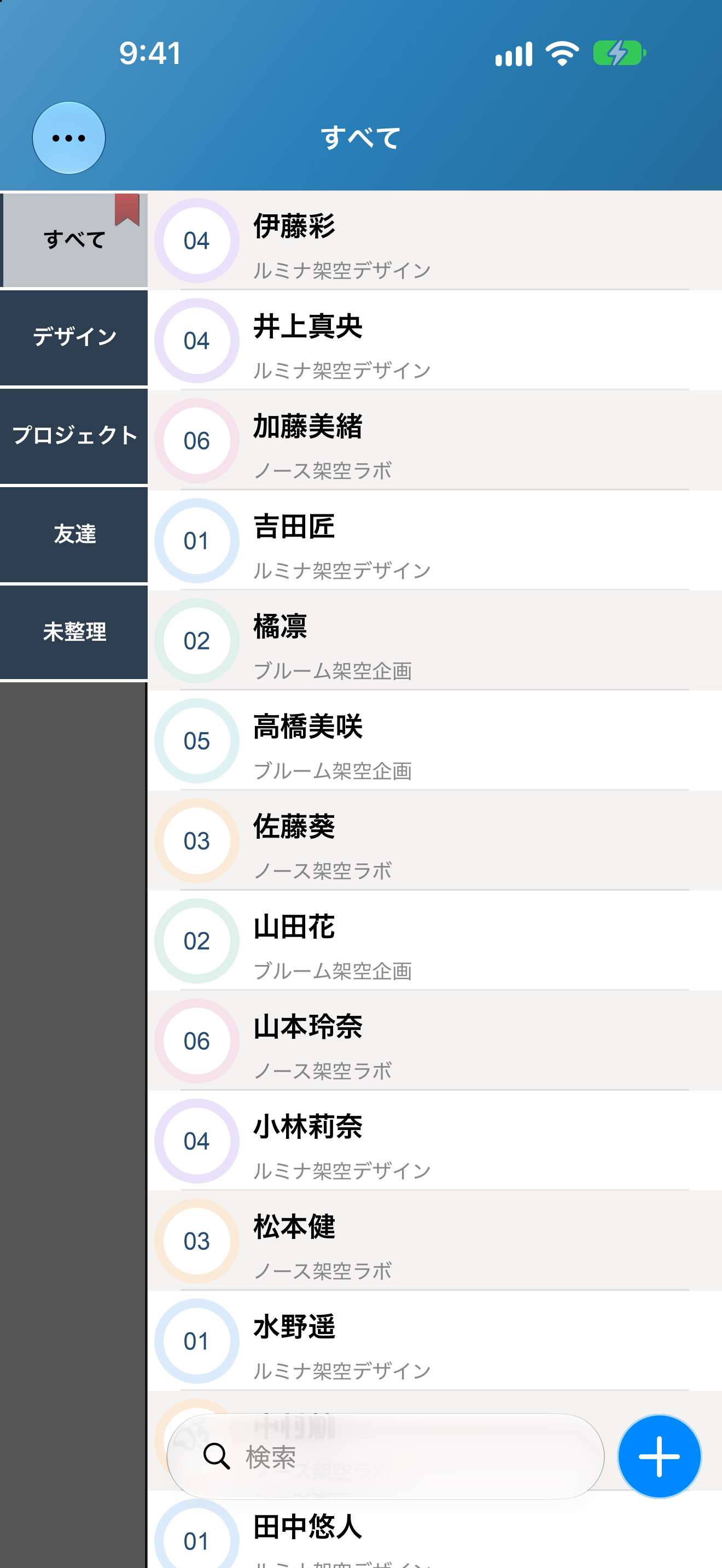
iOS 10.0.5 preview · iPhone 18 Pro MaxWork, friends, projects. Switch groups to see just the contacts you need.
 Take a closer look ↗
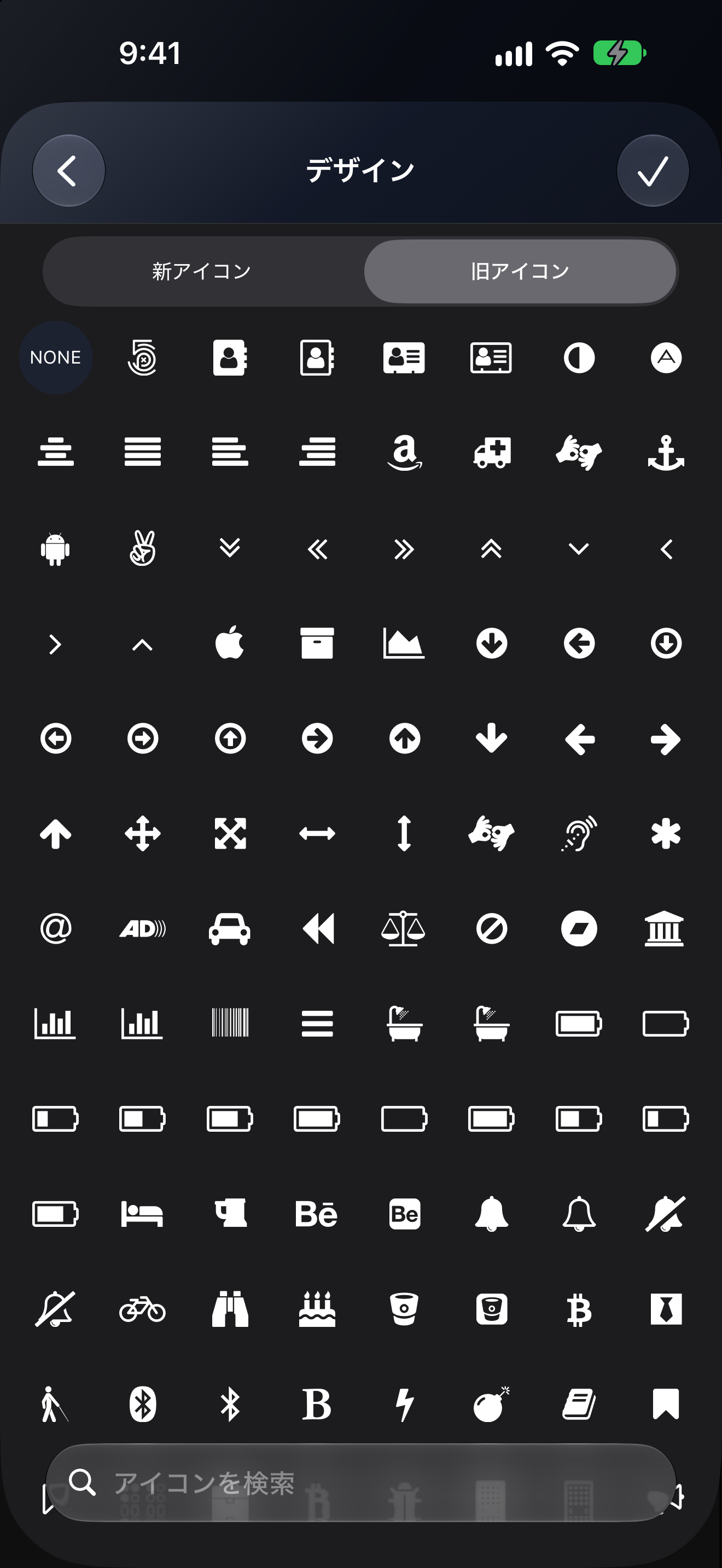
Make groups easy to recognize with a name, a color, and an icon.
 Take a closer look ↗
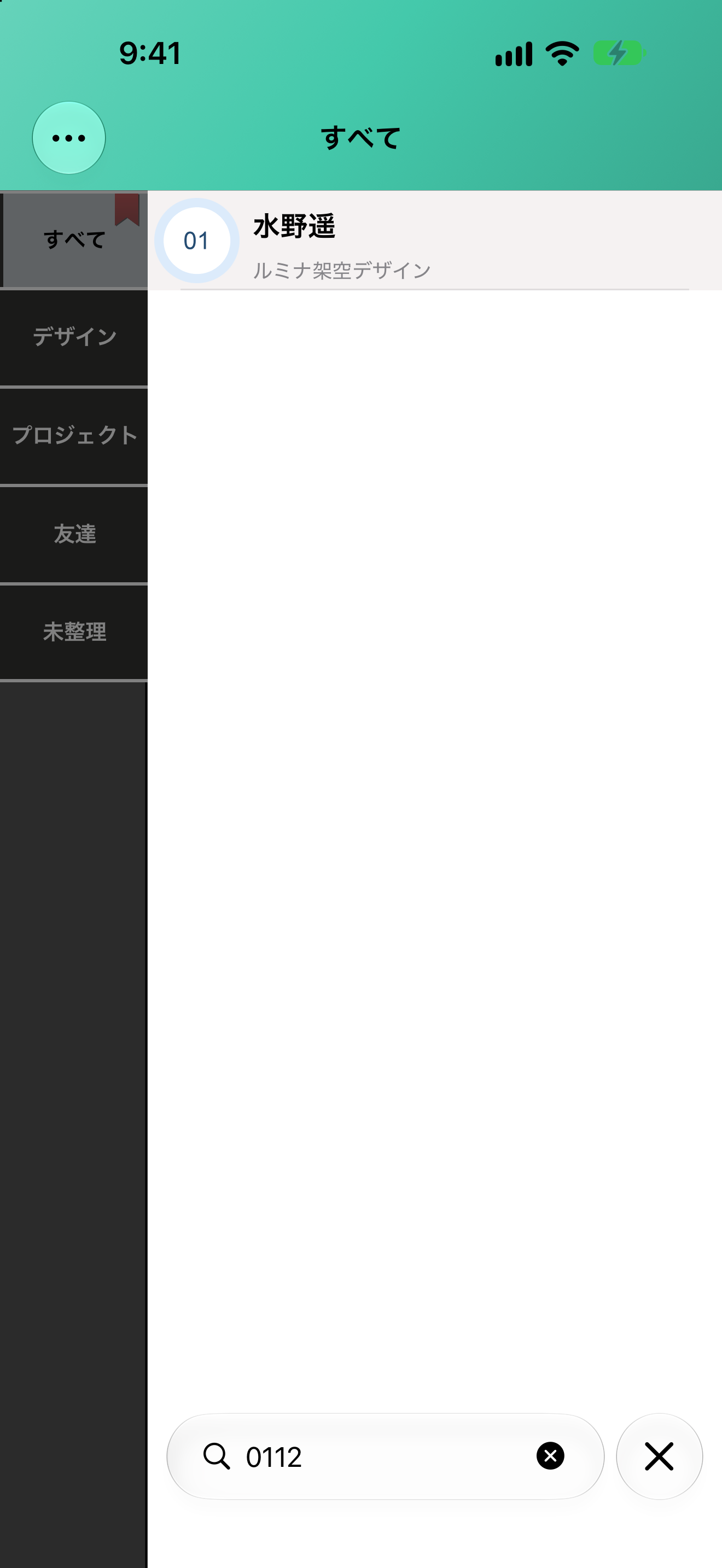
Search your contacts and narrow the list to the person you’re looking for.
 Take a closer look ↗
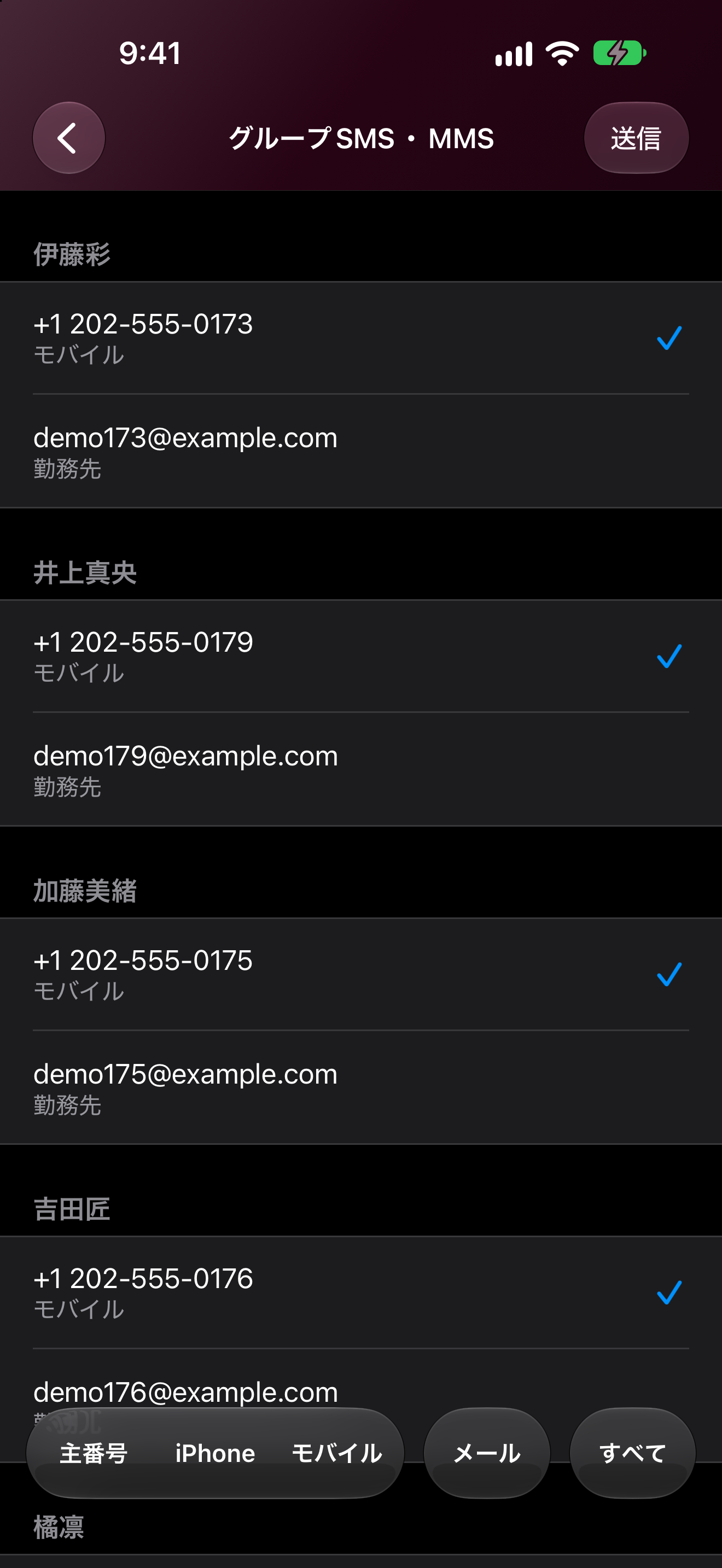
Choose SMS recipients from a group, then send with your usual messaging app.
 Take a closer look ↗
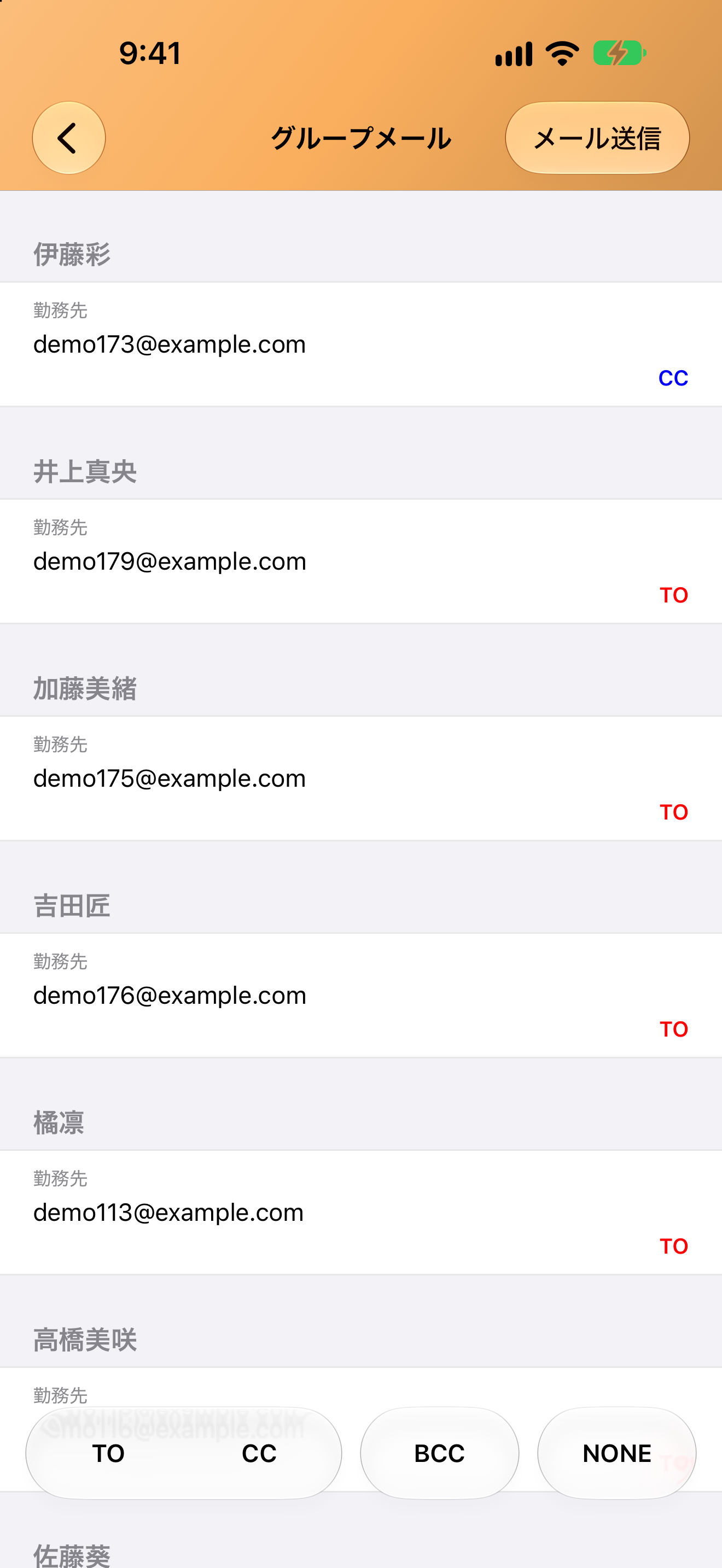
Choose group email recipients with To, CC, and BCC, all in one place.
 Take a closer look ↗
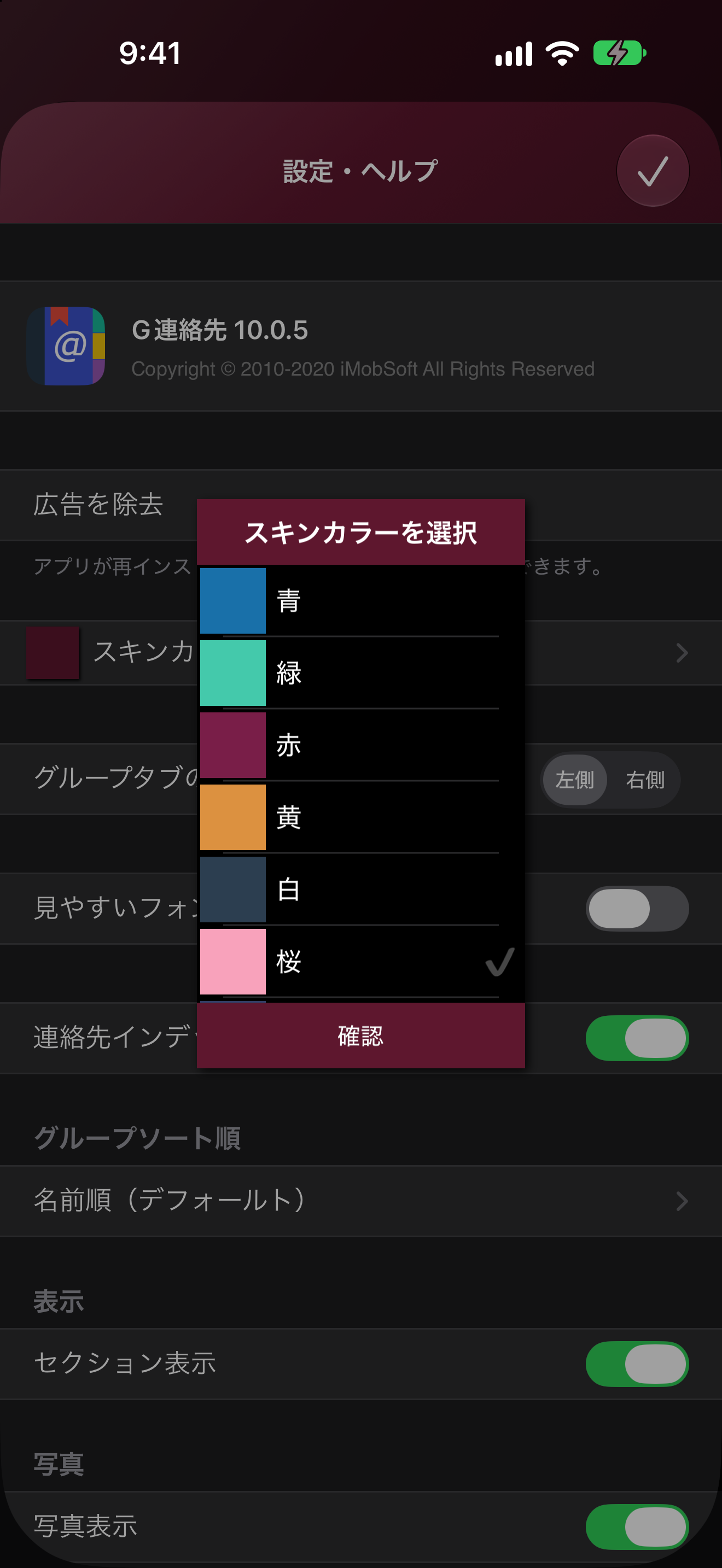
Choose a color theme that suits you, with support for system Light and Dark Mode.
 Take a closer look ↗
Actual Japanese-language screens from the iOS 10.0.5 development version on iPhone 18 Pro Max and iPhone Duo, using fictional contacts with Lite’s ad-free state enabled. Screens and features may differ from the current store version and Android.
iPhone, iPad, and Android. Start organizing the contacts on your device, in a way that works for you.
The ease of iPhone, with room to explore on iPad. Organize familiar contacts into groups that make sense to you.
Contact group management for Android. We are updating the app for newer Android versions and a more comfortable experience.
Manage your contacts with backup and restore. Choose where to save or share your backup files.
Contact access is needed to view, search, edit, group, select recipients, back up and restore contacts. You can change permissions in your device settings.
No separate GContact account is required. Contact accounts configured on your device, such as Google, iCloud or Exchange, are managed by those providers.
After you select recipients, the app hands them to your device’s email or messaging app. Review the recipients and content there before sending. Availability depends on your platform and chosen app.
Android saves backups in the app and lets you export files to a chosen destination. Enabling iCloud backup on iOS stores copies in Apple iCloud. Manage exported and cloud copies at their destinations too.
Make everyday connections easier with GContact Lite.
The Android edition is being prepared for republication. Check Google Play for its current availability.